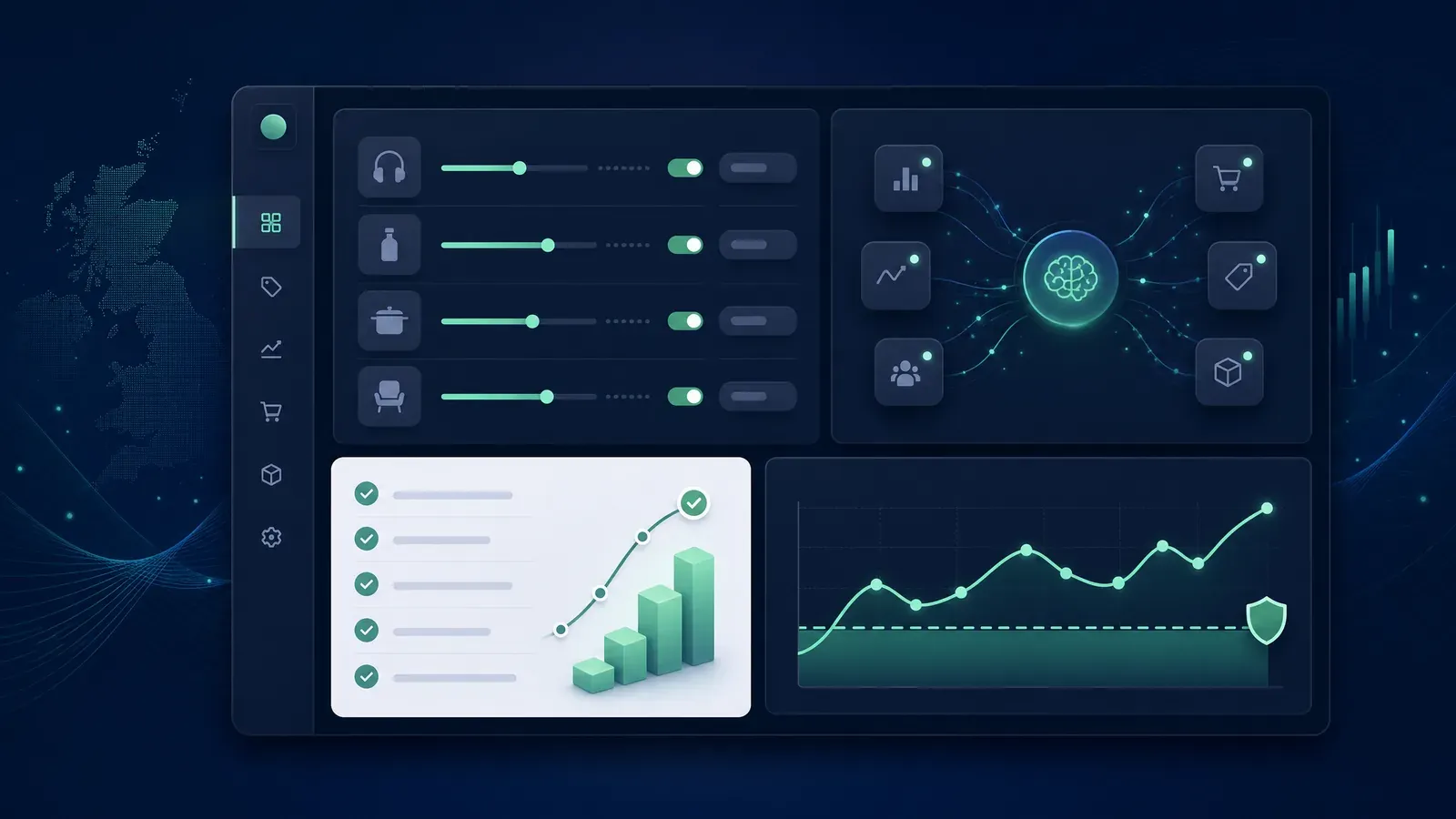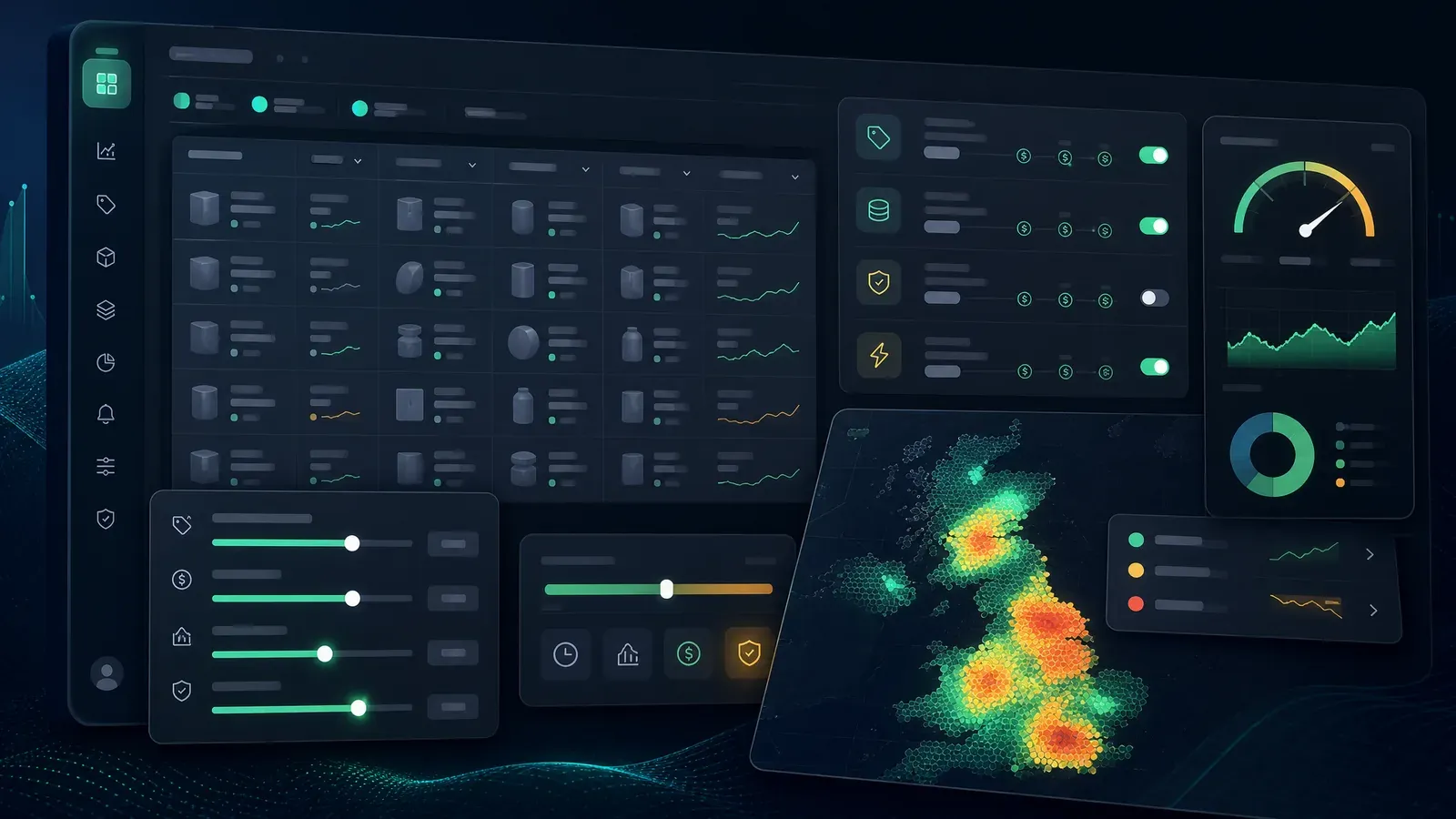

AI agents become useful when they can work with real account data instead of guessing from screenshots, exports, or half-remembered dashboard notes.
That is why the Ascent Account API matters. It gives Amazon sellers a cleaner way to connect repricing data to trusted agents, dashboards, spreadsheets, and internal tools. The goal is not to let a chatbot randomly change live prices. That would be stupid, and expensive. The goal is to let automation handle the repetitive checks while the seller keeps control of pricing strategy.
If you already use Ascent, the API can become the bridge between your repricer and the rest of your operating system.
Why AI agents need an API, not screenshots
A generic AI tool can read a pasted report and make suggestions. That is fine for one-off analysis, but it breaks down quickly when you need repeatable seller workflows.
Good repricing operations need structured data:
Screenshots are not enough for that. CSV exports are better, but they still create manual friction. An API gives an agent or internal tool a reliable way to ask for the right data on demand.
That is the difference between “AI as a novelty” and “AI as part of the operating workflow.”
What the Ascent Account API can support
The Ascent Account API is designed for account-level automation around repricing data. Depending on the endpoint and permission, external tools can read data such as listings, orders, pricing history, metrics, and repricing settings.
It can also support controlled listing-level updates such as:
That unlocks a useful class of agent workflows. For example, an agent could review your listings each morning and say:
“You have 12 listings at minimum price, 5 with stale COG values, 3 that lost Buy Box after competitor movement, and 2 that may be candidates for a rule change. Here is the proposed action list.”
That is valuable because it saves attention. You still decide what happens next.
Start with read-only agent workflows
The safest first use of an AI agent is read-only analysis.
Let the agent inspect account data, summarise issues, rank priorities, and prepare a review list. Do not start by giving it permission to update live pricing rules without supervision.
Good first workflows include:
These workflows are low-risk because the agent is explaining what it sees rather than changing anything. You get leverage without handing over the steering wheel.
When write access makes sense
Write access can be useful once the workflow is proven, narrow, and reviewed.
A sensible agent workflow might draft a batch of changes, then ask for approval before applying them. For example:
The key word is controlled. API writes can affect your live repricing account. That means they should be scoped, logged, and easy to audit.
If an automation cannot explain what it is changing and why, it should not be allowed to change prices. Very simple rule. Saves a lot of drama.
Where Ascent has a strong angle
Most repricer marketing is still stuck on the same old promises: win more Buy Box, react faster, automate pricing, protect margin. Those things matter, but the API adds a sharper angle.
Ascent can now sit inside a broader AI-agent workflow.
That means a seller could use Ascent as the pricing engine while an external agent handles operating questions such as:
That is a better story than “AI repricer” on its own. It positions Ascent as infrastructure for modern Amazon operators, not just another dashboard.
Security matters more when agents are involved
API keys should be treated like production credentials. Do not paste them into public prompts, browser-only scripts, shared documents, or anywhere else you would not store a password.
Ascent API keys created from the settings page are shown once only. Copy the key when it appears and store it securely. If you lose it, create a new one and revoke the old route if needed.
A sensible setup keeps the key server-side and lets the agent work through a controlled tool layer. That layer should decide which endpoints the agent can use, what data it can see, and whether it can perform write operations.
For most sellers, the best order is:
That is how you get the benefit of agents without inviting chaos into your repricing account.
Practical examples
Here are a few realistic workflows the API can support.
Daily repricing brief
An agent checks listings, metrics, and pricing history, then produces a short morning summary. It highlights SKUs at minimum, listings with weak ROI, recent rule changes, and anything that looks unusual.
Missing COG clean-up
An agent finds listings with missing or suspicious COG values, compares them against a trusted internal source, and prepares suggested updates for review.
Aged-stock review
An agent identifies stock that has been sitting too long and recommends whether certain SKUs should move to a more aggressive rule, stay protected, or be paused for manual review.
Post-order margin review
An agent reviews recent orders and flags sales where profit or ROI looks weaker than expected, then links the issue back to repricing settings or missing cost data.
Spreadsheet and dashboard sync
Instead of manually exporting data, an internal tool can pull Ascent data into a reporting dashboard or spreadsheet. The agent can then summarise that reporting layer for the seller.
The sales angle for sellers
The strongest message is simple: Ascent is not just an AI repricer. It is an AI-ready repricing system.
That distinction matters. Sellers increasingly want their tools to talk to each other. They want dashboards, agents, alerts, and internal automations that reduce admin without weakening control.
The Ascent Account API gives them that path.
A seller can still use Ascent normally through the web app. But when they are ready, they can connect trusted tools and agents around it. That makes Ascent more useful for serious operators who are building repeatable systems rather than just checking a dashboard once a day.
Final take
An AI agent is only as useful as the data and permissions behind it. With repricing, that matters even more because mistakes can affect live product prices.
The right model is not “let the agent do whatever it wants.” The right model is structured data, clear API access, strict guardrails, and deliberate review before write operations.
That is exactly the lane Ascent should own.
Explore the new AI Agent Amazon Repricer page, read the Account API documentation, or start your Ascent trial if you want a repricer that can fit into agent-assisted workflows.
Related Resources
Explore Ascent Features: